The first thing I did when I started to explore Flickr was to search the other Veronicas out there in the world. I was pleased to find Veronica Franco as one of the first hits that came up and decided to "blog this". She certainly led an interesting life as an educated woman who was a poet and a courtesan. She even successfully fought for her freedom when she was accused of witchcraft! Go Veronica! If you're interested in more about this Veronica, there's a book about her in LINKcat.
What I like about Flickr is the quantity and the quality of the pictures available. I've created a Flickr account but so far have only used it as a place to store photos that I've used for work purposes (so they're not available to the public). But because they're stored online I'm able to give co-workers access to the photos.
Sometimes I wonder how these web communities stay afloat financially speaking. A web service of this magnitude is a costly endeavor. Do they make their money selling prints? Selling advanced options? There's no advertising to speak of. So I'm curious. Anyone know?
Showing posts with label veronica. Show all posts
Showing posts with label veronica. Show all posts
Monday, October 22, 2007


Tuesday, October 2, 2007
Feeding the Mind
I considered myself pretty comforatable with Bloglines and Google Reader so I decided to give the Beta version of Bloglines a try. I can see that they're trying to be similar to GR but I don't think they have all the components yet and I missed being able to do some of the things I could do with Bloglines, let's call it alpha.
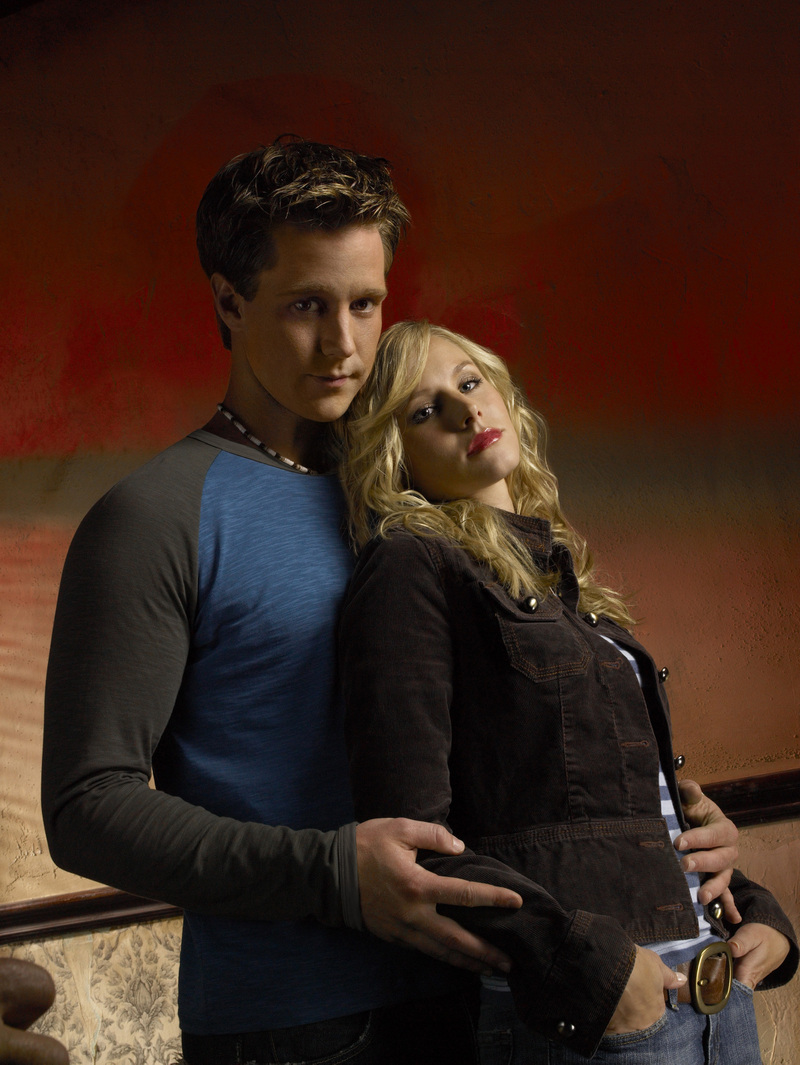
Once I was done exploring the beta version I decided to try getting my feeds to show up on my blog as a blogroll and experienced one of those "I know I should be able to do this, but I can't figure out how" hours. Leading me to wish I had a Logan to lean on like this Veronica does.
The instructions were pretty basic. Go to your bloglines profile and make sure to change the setting to a public one for access to the blogroll and then use the Bloglines HTML helper to get the code for the blog. Took me a little while with those things, but I thought I had it all figured out. But when I pasted into the additional elements portion of the template in this blog all I got was a message saying my username wasn't active. Huh!? Tried with my old Bloglines account - same deal. How was I getting it wrong?
Turned out I was making an assumption (and you know what they say about those). I assumed that my username would be the first part of my login for Bloglines. Turns out I needed to note the little * next to the username field and pick a username for my public Bloglines persona.
Success at last! My Bloglines feeds are now links on my blog, woohoo! Thanks for the tips and chance to learn Project Player Gurus.
Subscribe to:
Posts (Atom)